How to save recipes from Facebook
Save Recipes from Facebook
Save any recipe shared on Facebook to your RecipeMind collection:
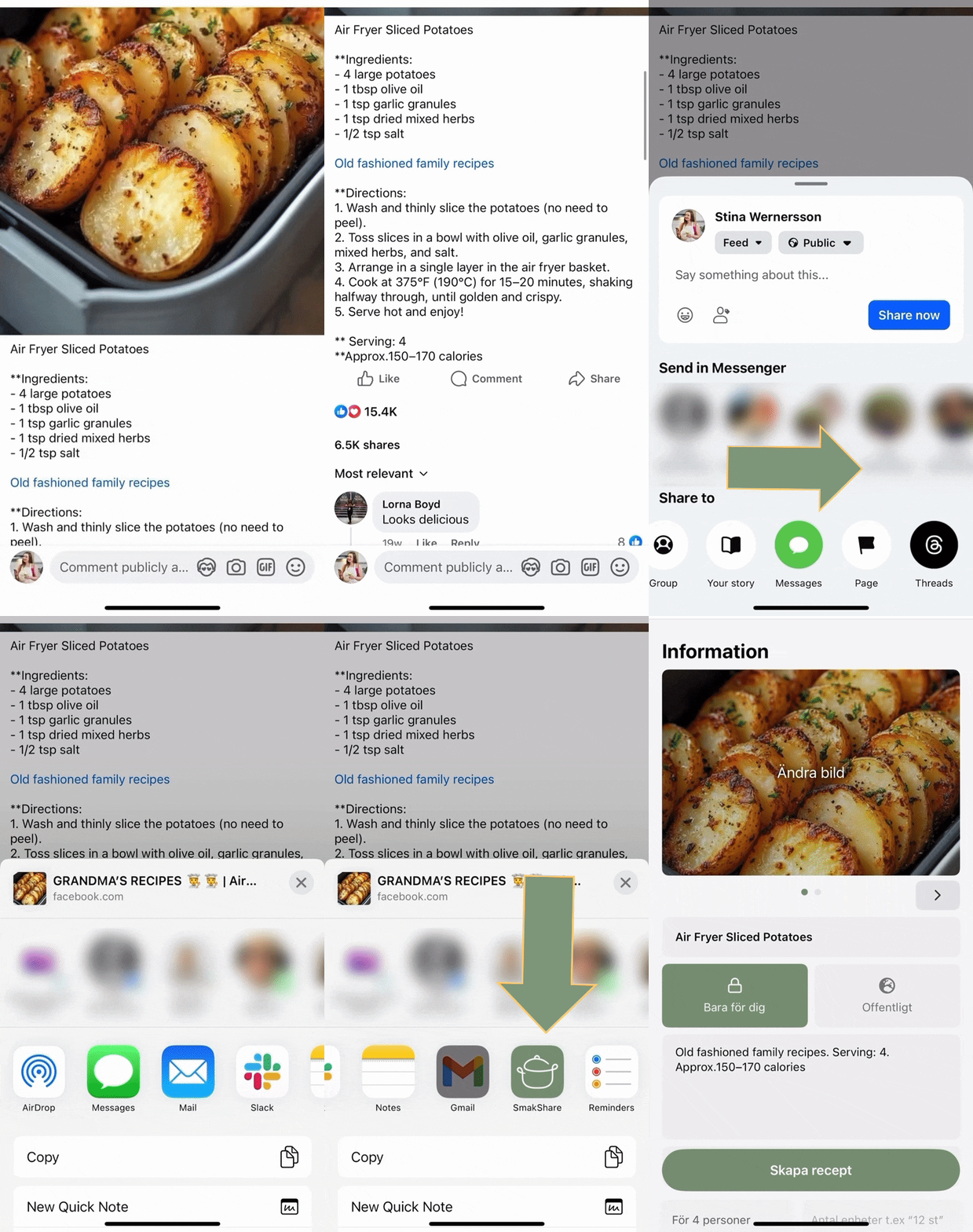
- Find the recipe post on Facebook
- Tap "Share" and then "Copy Link"
- Open RecipeMind and paste the link
- The AI will extract all recipe details automatically
This works with Facebook posts, videos, and shared links from recipe websites.